
You can change your Socialive account password on the login page. In this article, we will go over the steps to reset your password.
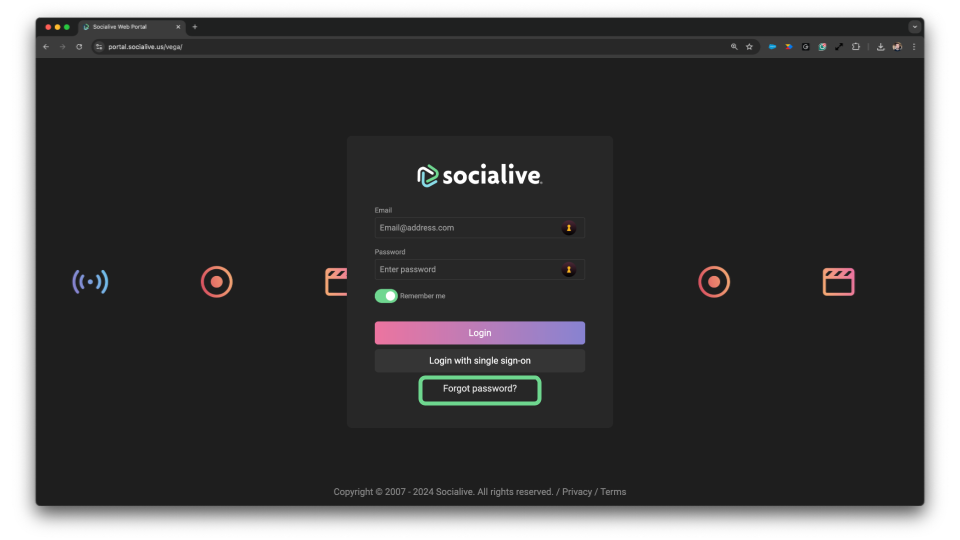
- From the Socialive Login Page, click the Forgot Password? link.
- Enter the Email Address associated with your account.
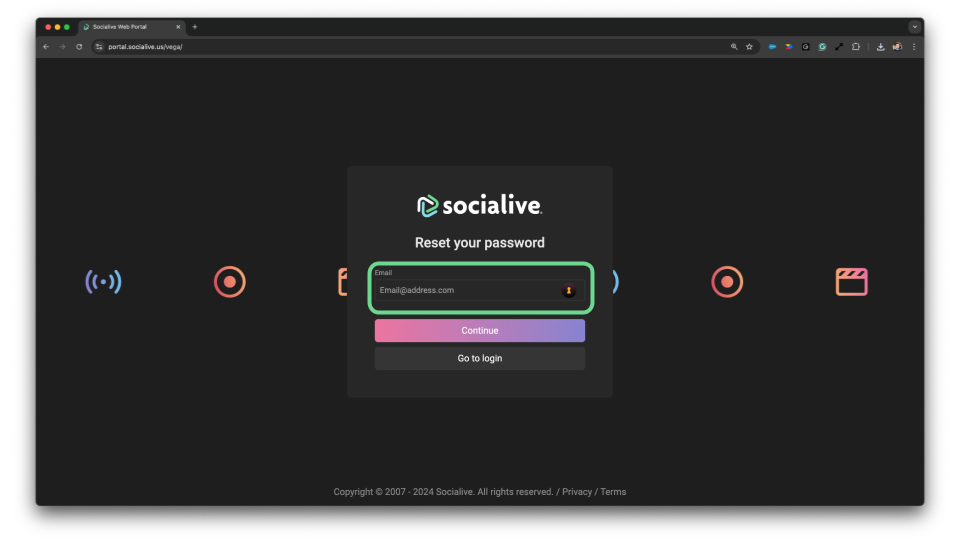
- Click Request Password Reset. You will receive an email with a link to instructions to reset your password.
Still looking for an answer?
Contact Socialive Support via live chat, email at support@socialive.us, or submit a support ticket.