
Great video deserves great audio. But too often, even the strongest content suffers from distracting background noise, inconsistent volume, or uneven tone. These issues can make an otherwise professional video feel amateur and harder for audiences to follow.
With Studio Voice in the AISuite, you can instantly transform ordinary recordings into crisp, balanced, studio-quality audio, with no special equipment required.
Studio Voice uses AI-powered audio mastering to:
Remove background noise such as hums, fans, or office chatter.
Balance levels so voices come through clear and consistent.
Enhance tonal quality, giving recordings a polished, production-ready sound.
Your message is delivered with clarity and authority every time.
Studio Voice works best with regular speech from one person. If you are working with a video that already has background music or has lots of people talking simultaneously, you may choose not to apply this transformation.
As with all the AISuite transformations, the original video is always preserved, and it is a simple choice within your workflow to revert to the original if needed.
This article will review the steps to apply studio voice to your videos.
Add a video source to a scene within the Socialive Editor.
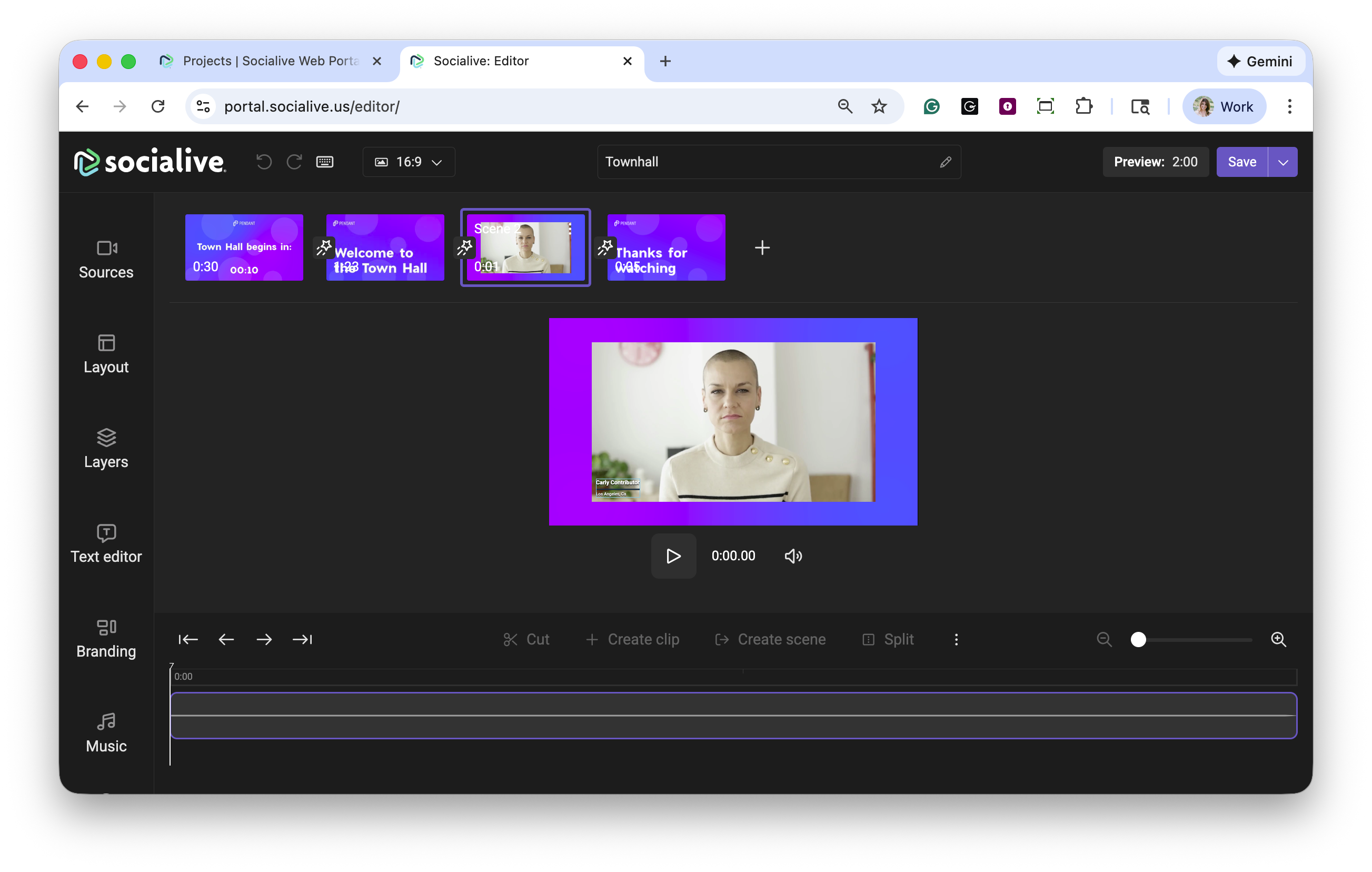
Click the AI icon in the upper left corner of the video source.
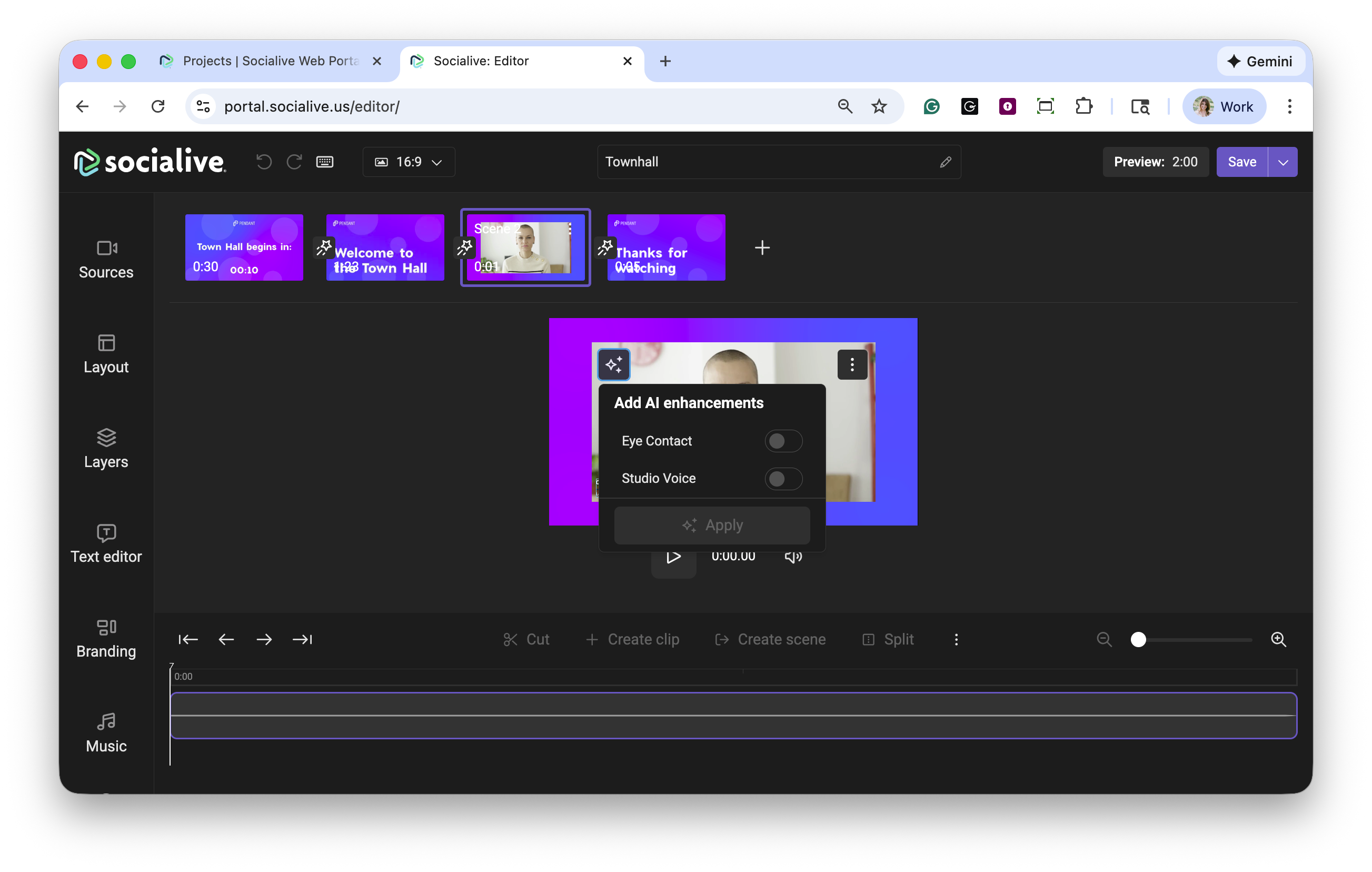
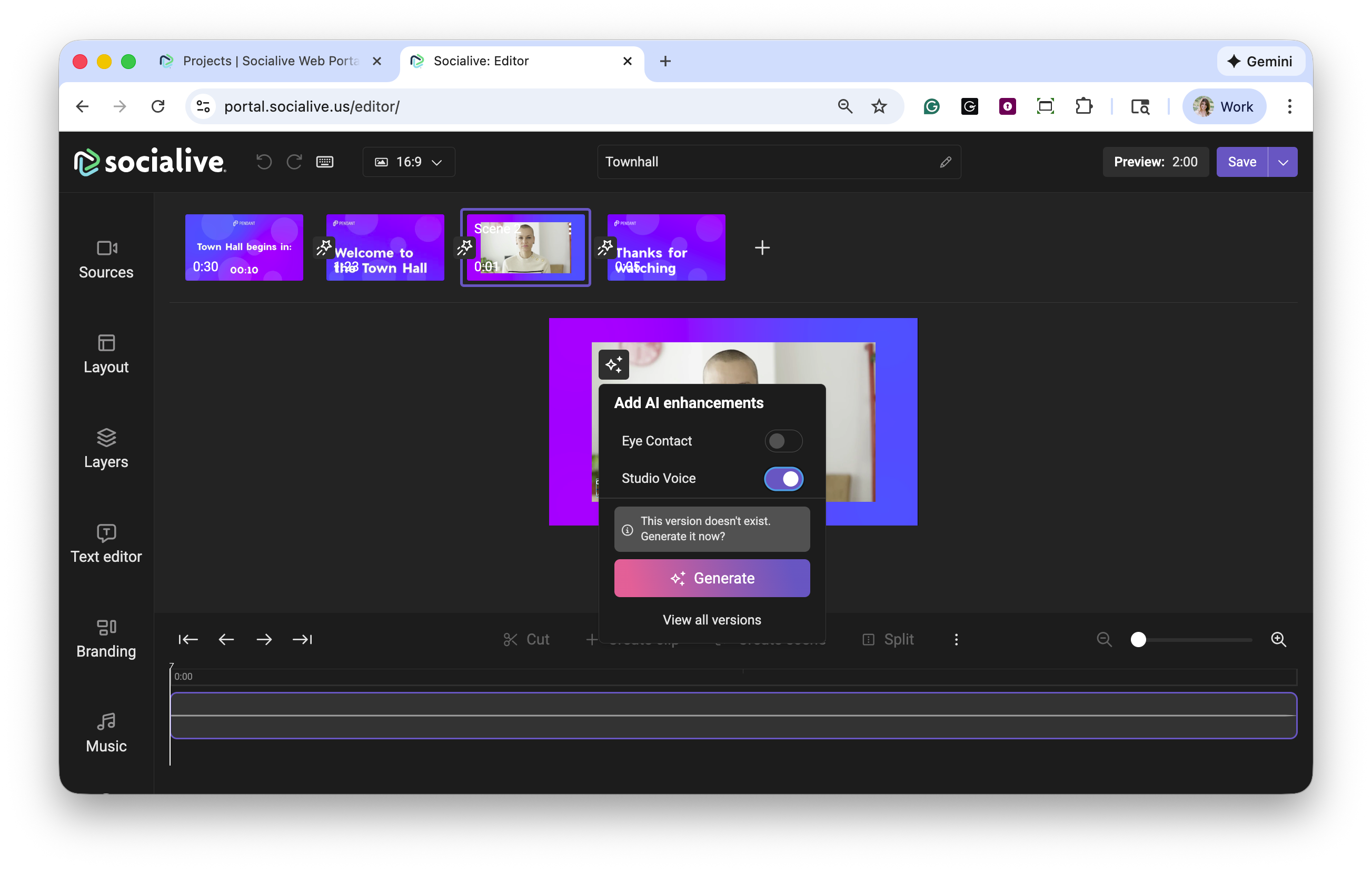
Toggle studio voice and click Generate to apply the feature. You can also select the level you would like to apply: Strong, Balanced, or Subtle. Processing times may vary.
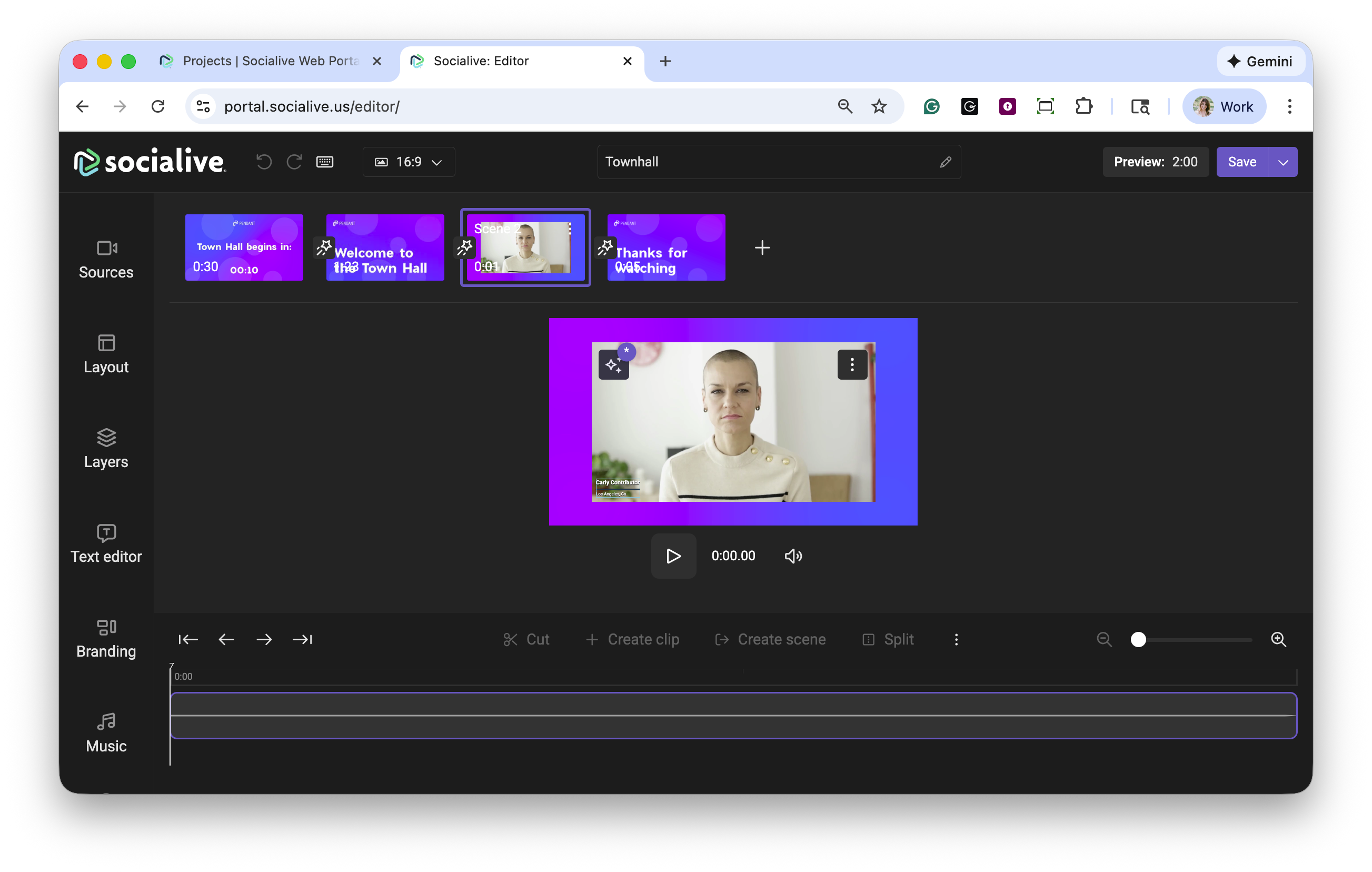
Once studio voice has been applied to the video, the AI icon will display as being in use.
If you need to revert back to the original video without studio voice you can do so by selecting the AI icon. You can also view all versions of the AI enhancements by clicking View all versions.
Additional AISuite features can be added using the same steps.
Benefits of studio voice
Clarity builds trust - Viewers stay engaged when they can hear every word clearly.
Save time and money - No need for expensive microphones, studios, or post-production editing.
Consistency across content - Whether it’s internal training, a sales pitch, or a marketing video, your audio always sounds top-tier.
Studio Voice is another way the AISuite helps you elevate your video content, making it easier to deliver high-quality experiences that resonate with your audience. Contact your CSM or Account Manager to discuss how you can have AISuite enabled in your account.
Still, looking for an answer?
Contact Socialive Support via live chat, email at support@socialive.us, or submit a support ticket.