
One of the most powerful features in the Library is the ability to reopen any fully rendered video exactly as it was when exported.
Suppose you need to update an image or switch the layout from split-screen to picture-in-picture. In that case, Remix Project lets you instantly reopen the video, make changes, and export a new version without starting over.
Unlike opening an existing Project, which is meant for ongoing iteration and multiple versions, Remix creates a fresh Project with everything returned to its original, fully editable state. It’s a fast, flexible way to update or repurpose finished content.
To remix a video, open the Library and select a video that has been exported from the Editor. The Remix option is only available for videos exported from Editor.
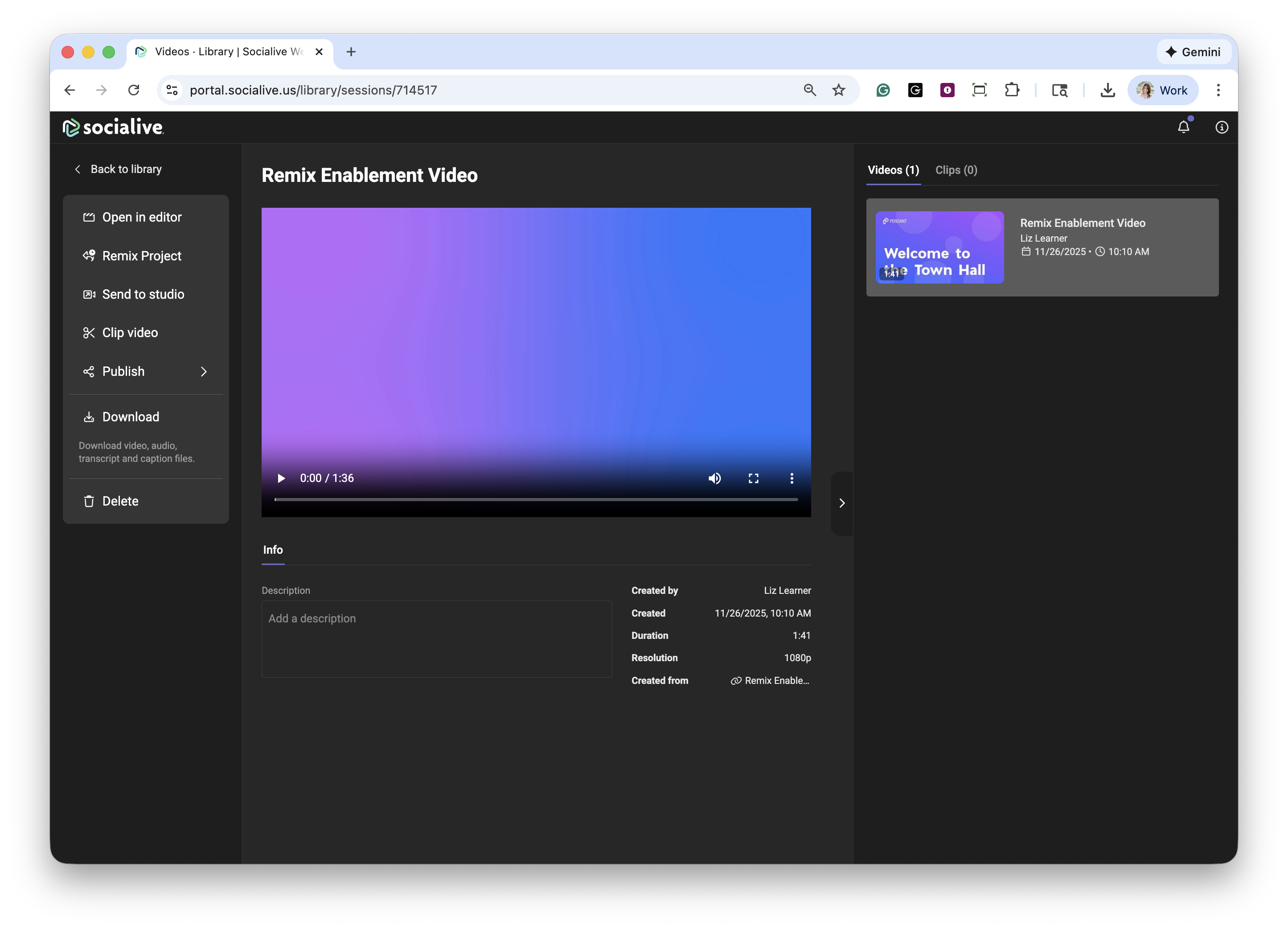
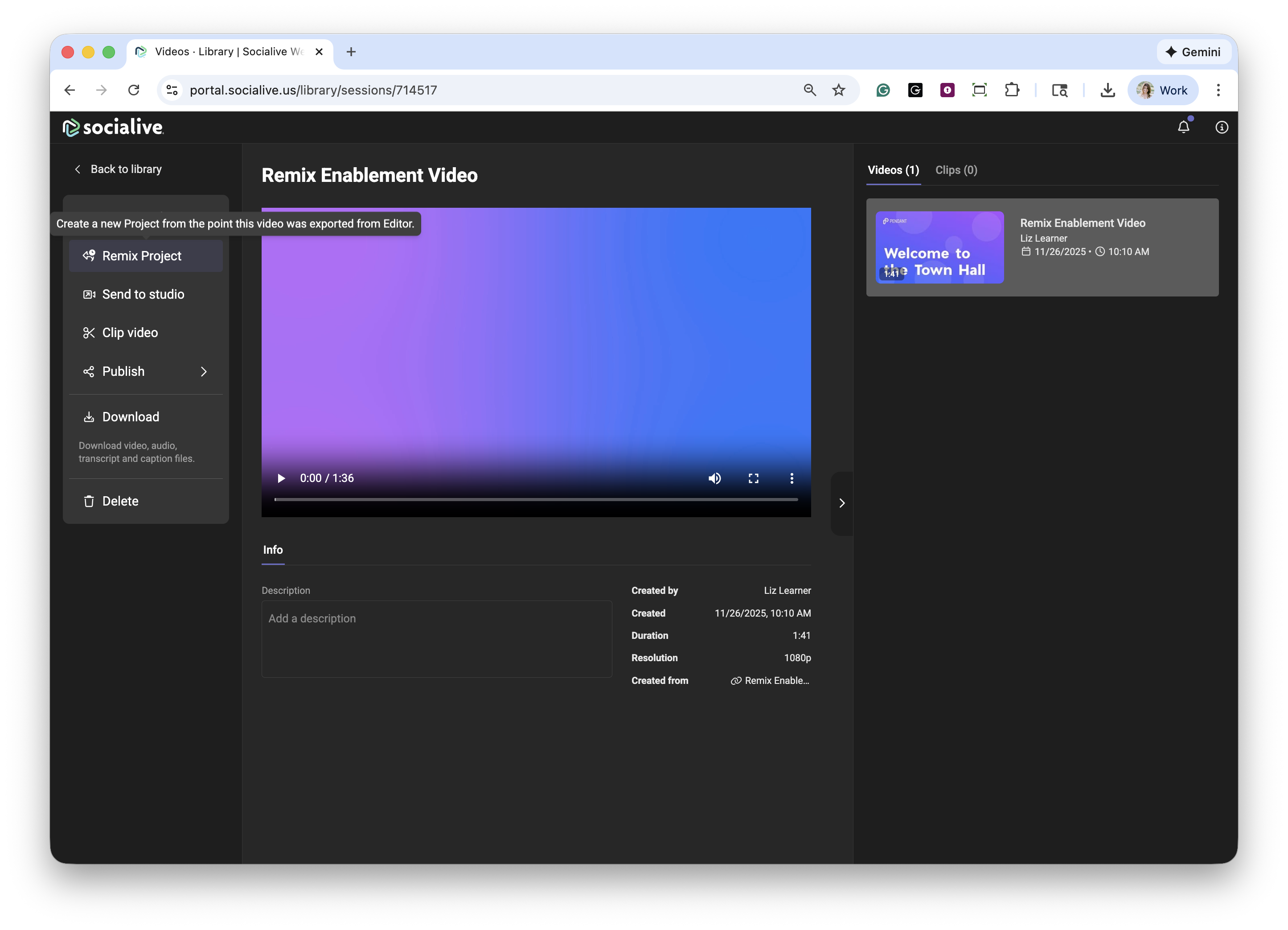
Click Remix Project.
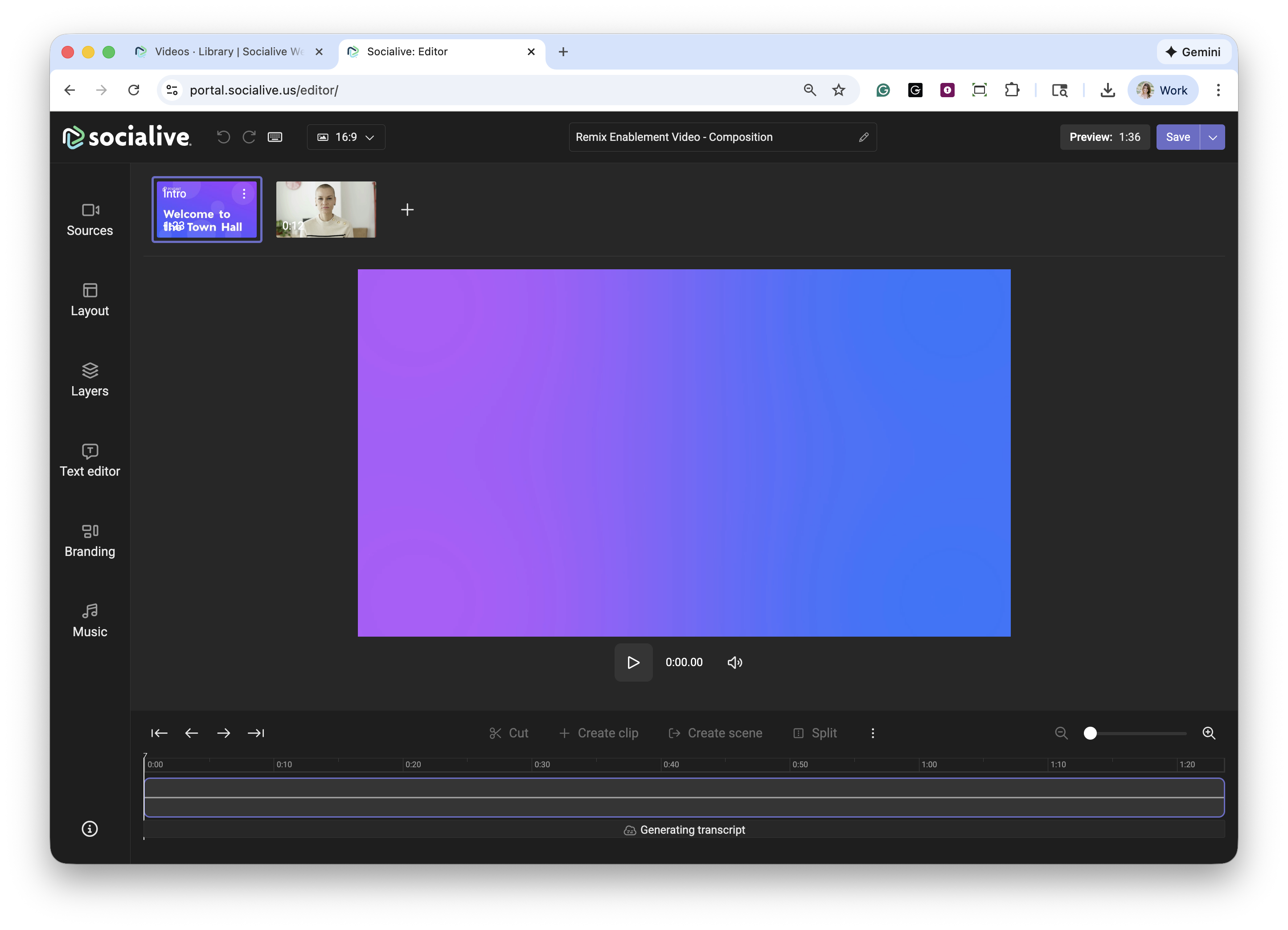
The video is now open in the Editor exactly as it existed at the moment it was exported. Ready to add any additional edits!
Still, looking for an answer?
Contact Socialive Support via live chat, email at support@socialive.us, or submit a support ticket.